Serving the U.S. and clients worldwide since 2004
Remote notarization

Can a document notarized through RON be apostilled?

Practical guide · Published July 30, 2026

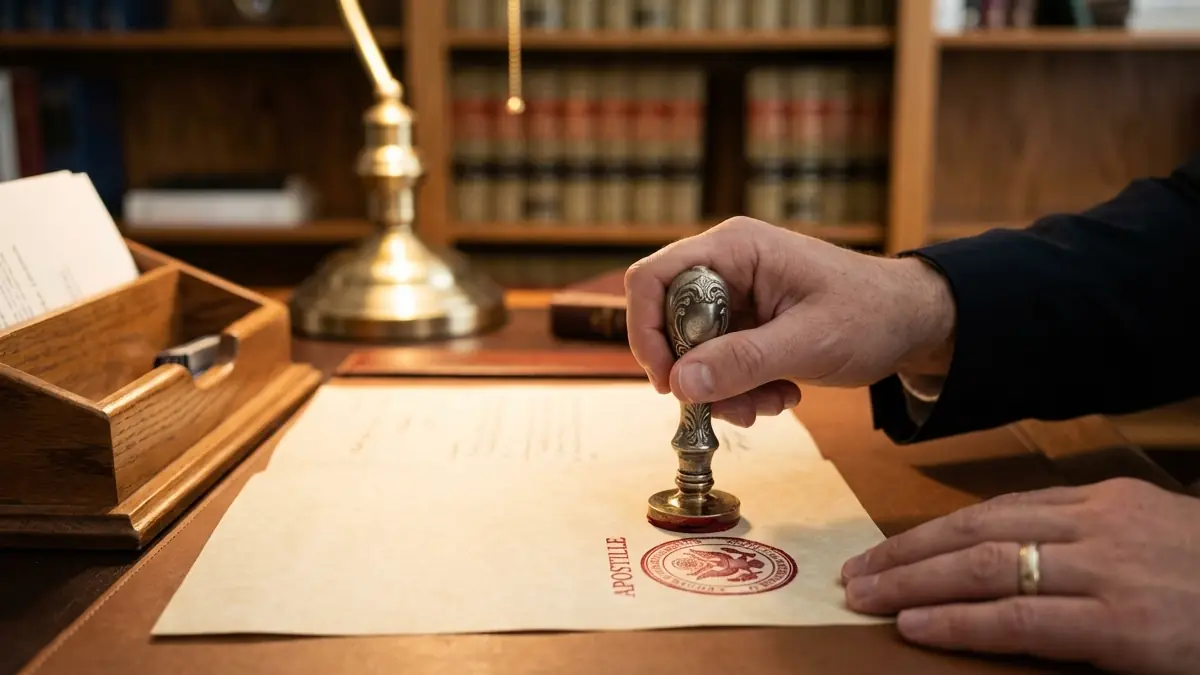
Notarial document with an authentication seal, conceptual image
Illustrative image: remote online notarization (RON) happens online, not in person.

A route may exist, but “notarized online” does not automatically mean “apostille-ready.” Before signing anything through remote online notarization (RON), it helps to separate three distinct questions: whether the notarial act itself is valid, whether the apostille authority can certify that format, and whether the country or entity that will receive the document abroad accepts it. Confusing these three layers is the most common reason documents get rejected or a process drags on for weeks.

Quick summary

Yes, in some cases a document notarized through RON can be apostilled, but there is no single rule that applies across all states. Before signing, confirm three things: that the RON itself is valid under the relevant state's law, that that state's apostille authority can certify that format, and that the foreign recipient accepts the document and the way it is presented. RON and e-Apostille are not the same thing.

What remote online notarization actually is

Remote online notarization lets a signer appear before a commissioned notary without being physically in the same room. The session happens over live audio and video, almost always through an authorized platform that records the encounter and verifies the signer's identity using the methods required by that state's law and rules, which can include knowledge-based verification questions, comparison against a photo ID, or other authorized mechanisms. At the end, the notary applies an electronic seal and signature to a digital notarial certificate, using technology designed to show evidence of any changes made to the file after signing.

This mechanism solves a very specific problem: someone living outside the United States, or who simply cannot travel to a notary in the state that governs their document, can sign and notarize it without traveling. For U.S. citizens and residents abroad who need to notarize a power of attorney, an affidavit or a real-estate document, RON can save weeks compared with coordinating an in-person appointment at a consulate or waiting for the next trip to the U.S.

RON and e-Apostille are not the same thing

Although the two terms often appear together, they are separate acts performed by separate authorities. A remote online notarization is a notarial act, performed by a notary public commissioned by a state, under that state's law. An e-Apostille is an apostille certificate issued electronically by the state's competent authority (or, for federal documents, the U.S. Department of State), and it certifies the authenticity of the notary's signature and seal, not the content of the document. The fact that the first act is electronic does not obligate the apostille authority to issue the second one electronically, and it does not guarantee the receiving country is set up to accept either format.

The fact that a document was notarized electronically also does not mean an e-Apostille route exists in that state. Keeping the document fully electronic requires the apostille authority to have implemented a compatible e-Apostille component, part of the Hague Conference's electronic Apostille Program (e-APP); where that has not happened, the document may need to be produced in another format that authority does accept.

First check: state law and the notary's commission

Rules on remote notarization vary considerably by state: some authorize RON broadly, others impose specific requirements or limits (which technology is approved, what identity verification is required, whether the notary must be physically located in the state, how the session record is preserved), and the rules can change fairly often as state legislatures update them. Before scheduling a RON session, confirm directly with the Secretary of State or the agency that regulates notaries in the relevant state whether the notary is authorized to perform RON, under what conditions, and whether that authorization covers the type of document you need notarized.

Second check: whether the apostille authority accepts the result

This is the step most often skipped. A state allowing RON does not automatically mean that same state's apostille office is set up to apostille the result. Some apostille authorities accept the electronic file directly and issue an e-Apostille; others require the document in a specific format (for example, a printout accompanied by an additional notarial certificate or a verification code), and some still require the underlying act to have been a traditional in-person notarization with a wet-ink signature before they will apostille it. Printing a remotely notarized PDF on your own printer does not turn it into an “original”: the apostille authority needs to independently verify the notary's signature and commission, and that verification process depends on how the state's system is built. Ask the Secretary of State, before signing anything, exactly what format they need to receive in order to apostille a document that was notarized remotely.

Third check: the foreign country or receiving authority

A validly issued e-Apostille from the competent authority of a Convention member state carries the same formal validity as a paper apostille, and it cannot be rejected simply because it was issued electronically. That does not stop the receiving authority from having its own requirements for how the underlying document must be presented, or about its content, translation or validity period. That formal validity is, in any case, a matter of international law, not a guarantee that the office that will ultimately receive your document abroad (a civil registry, a bank, a notary's office, a university, a consulate) has the procedure, the portal or even the internal policy to accept an electronic file or a document notarized over video instead of in person. Many offices still work exclusively with paper and require the physical document with the physical apostille attached. Even though a valid e-Apostille cannot be rejected simply for being electronic, practical difficulties can still arise if the receiving authority requires a specific presentation format for the underlying document or has no clear procedure for remotely notarized documents. This check is the applicant's responsibility alone: contact whoever will receive the document and ask, in concrete terms, whether they accept a document notarized through RON and apostilled electronically before you start the process.

A practical example: someone living in Spain needs to grant a power of attorney so a representative can handle a transaction in Colombia on their behalf. Instead of traveling to the United States, they schedule a RON session with a notary commissioned in Florida, and the document is notarized electronically. Before signing, they confirm two things separately: with the Florida Department of State, what format of the remotely notarized document it can apostille and whether an e-Apostille route is available for that case; and with the authority or notary's office in Colombia that will receive the power of attorney, whether it accepts a document notarized through RON and what form of apostille, electronic or printed, it requires. Only after both confirmations do they sign.

Paper, electronic file, or both: why the format matters

It helps to think of three separate layers of format, even though in practice they get combined: the notarial document itself (which may be an electronically signed PDF or a printed, hand-signed document), the apostille (which may be issued as an electronic certificate attached to the file or as a physical sheet stapled or affixed to the printed document), and the final copy you hand to the recipient (which may be the digital file, a printout of that file, or a complete physical document). Do not assume you can freely mix these layers, for example, printing an e-Apostille and expecting it to carry the same validity as the original file, without first confirming with the apostille authority and the recipient. When there is doubt and the matter is sensitive or time-sensitive, the more conservative option is often to ask whether traditional in-person notarization makes more sense than RON, precisely to avoid depending on every link in the chain accepting the electronic format.

Before using RON: a checklist

  1. Identify precisely what type of document it is and who will receive it abroad.
  2. Send the draft or a description of the document to the recipient and ask whether they accept RON and an electronically apostilled document.
  3. Confirm with the Secretary of State (or equivalent authority) whether that state's notaries are authorized for RON and under what conditions.
  4. Confirm with that same authority the exact format it needs to apostille a document notarized remotely.
  5. Use a notary authorized to perform RON under the law of the state whose notarization you need to use.
  6. Keep the original file, the session certificate and any verification data the platform provides.
  7. Do not alter signatures, seals or digital certificates after they are issued; any change can invalidate the entire notarization.

Common mistakes that complicate the process

  • Assuming that because your state allows RON, that state's apostille office automatically accepts the result without an additional format.
  • Printing a remotely notarized document at home and presenting it as if it were a certified original.
  • Not asking the foreign recipient, before signing, whether they accept documents notarized over video.
  • Using a remote notary commissioned in a different state than the one the document or receiving authority requires.
  • Leaving a time-sensitive matter until the last minute with no room to resolve a format rejection.
FAQ

Frequently asked questions

Have more questions? Send us your specific case and we'll walk through it with you.

Do all U.S. states allow remote online notarization?+
Rules on remote notarization vary considerably by state: some authorize RON broadly, others impose specific requirements or limits, and the rules can change over time. Confirm directly with the Secretary of State or the notary-regulating authority in the relevant state before scheduling a session.
Can I print the remotely notarized PDF and send it in for an apostille?+
Only if the apostille authority confirms that is the format it accepts. A printout made on your own may lose the verifiable signature and be rejected.
Will the U.S. Department of State apostille a state-level remote notarization?+
Not simply because it is electronic. State notarizations remain under that state's apostille authority, and the federal Department of State apostilles federal documents, not state notarial acts. The Department of State does not apostille a state-level notarization just because it is electronic: state notarial acts always follow the route of the competent authority in that state.
Does an e-Apostille carry the same validity as a paper apostille?+
Yes. According to the HCCH, a validly issued e-Apostille from the competent authority of a member state carries the same formal validity as a paper apostille and cannot be rejected simply for being electronic. Even so, the receiving authority may have its own requirements for the underlying document, its translation or how it must be presented: confirm those with whoever will receive the document.
I live abroad and can't travel to the U.S.: is RON useful for me?+
This is often exactly the scenario where RON makes the most sense, since it lets you appear before a notary commissioned in the relevant state without traveling. Still, follow the three checks in this guide before signing anything sensitive or time-sensitive.
Is RON faster than an in-person notarization followed by an apostille?+
It can be, especially if it saves you a trip, but not always: if the apostille authority or the final recipient are not set up for the electronic format, the process can end up taking longer than traditional in-person notarization. Confirm before assuming RON will save time in your case.
Contact

Want to confirm the route for your documents?

Send us the document type, issuing state or agency and destination country. We review the document route before you incur unnecessary expense.

Request your document review

Examples: Florida, New York, FBI, U.S. Department of State.
Call us

Please do not include Social Security numbers, financial account information or other highly sensitive personal data.

WhatsAppCallEmail